Pay any Element loan or credit card directly from an external bank account.
It’s fast, easy, and secure.
It’s easy to make your payment. Follow these 4 easy steps.
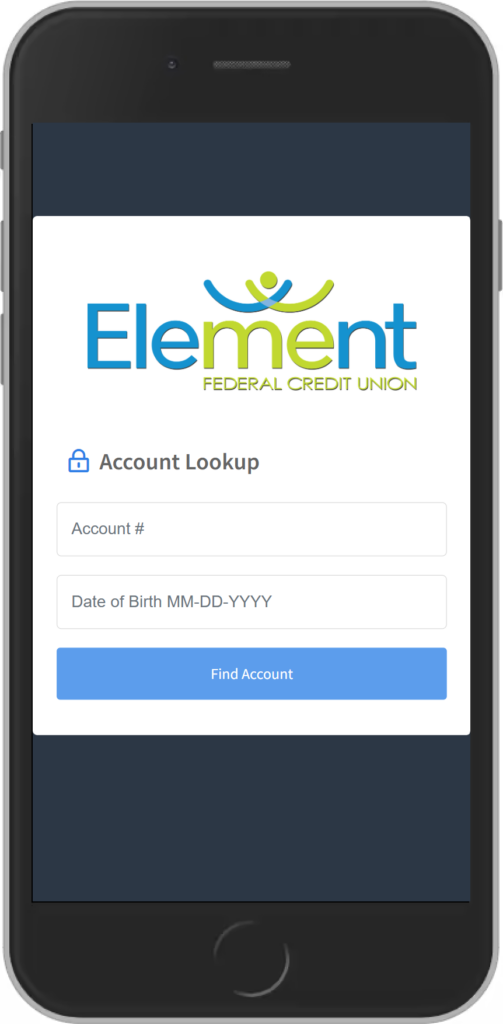
Verify Your Account
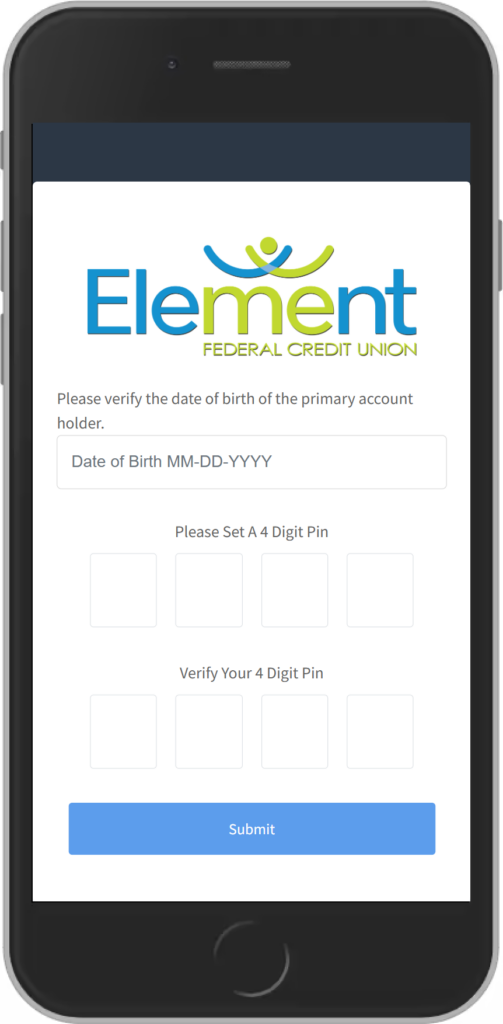
Create 4-Digit PIN
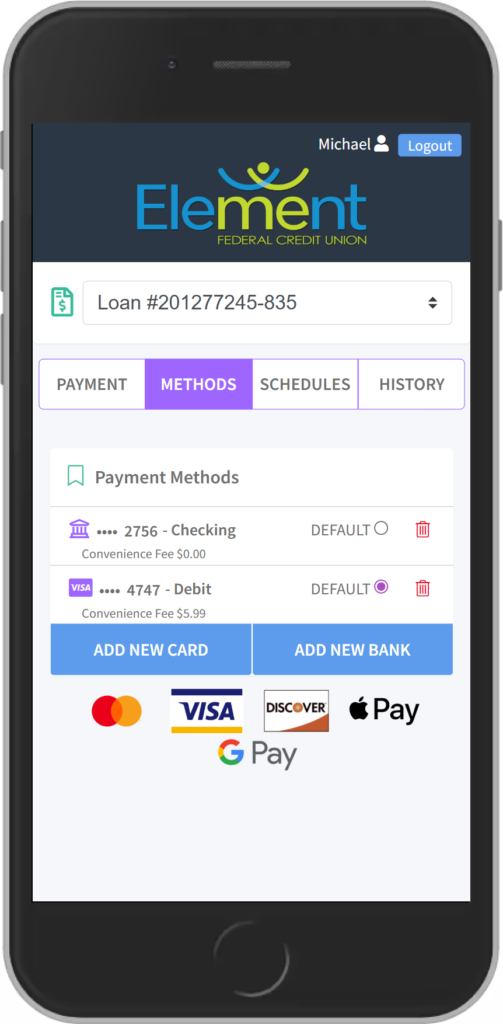
Add Preferred Payment
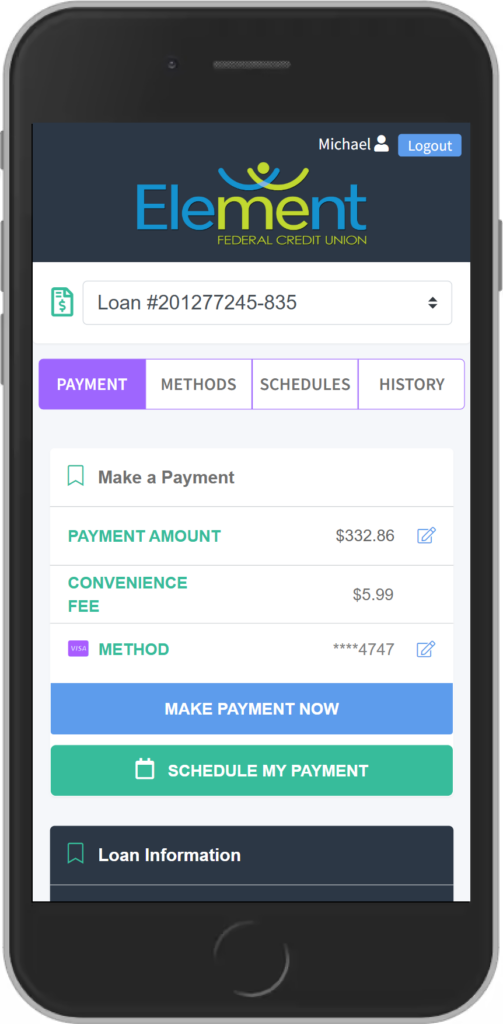
Make a Payment
Good questions. Clear answers.
Making a Payment? Start Here.
Pay your Element loan or credit card from an external account. Explore the questions below for setup instructions, payment options, fees, and text-payment information.
What should I know about payment reminder texts?
You will receive a text message informing you of the amount due on your loan. From that message, you can review your payment options.
The payment link takes you to a portal where you will verify your account using your account number and date of birth.
If you do not want to receive these messages, reply STOP to opt out.
How do I set up the payment portal for the first time?
- Verify your account. Open the payment portal and enter your account number and date of birth.
- Create a four-digit PIN. Follow the prompt to create your PIN. Store it securely because you will need it to verify future payments.
- Add your preferred payment method. Select Add New Debit Card or Add New Bank Account. You will be taken to a secure page to enter your payment information.
- Look for confirmation. When your payment method is added successfully, you will see Payment Method Success and return to the payment portal.
Once your account is successfully verified, the portal will display your loans and let you select your preferred payment method.
What payment methods can I use?
You can add a debit card or an external bank account through the payment portal.
Payment options listed by Element include checking accounts, savings accounts, and credit cards. Check the portal for the methods available for your payment, or contact us if you need help using a savings account or credit card.
Call (304) 721-4145 for assistance.
Is there a fee to make a payment?
- ACH payments: No fee when the payment is taken directly from your checking account.
- Debit-card payments: A $5.99 fee per transaction.
What are the benefits of using the payment portal?
- Make payments using an account at another financial institution.
- Access payment options through text messages, Element’s website, or online and mobile banking.
- View your loans after verifying your account.
- Select your preferred payment method.
- Make ACH payments from your checking account without a transaction fee.
- Use a portal that encrypts payment information to help protect it.
How can I pay through a text message?
Before using text payments: Set up your four-digit PIN and preferred payment method in the payment portal.
- When you receive a payment reminder, reply Pay to that same text.
- Follow the instructions to enter your PIN and verify your account.
- Complete the payment process. You should receive a confirmation text.
If I stop text messages, can I still pay online?
Yes. Replying STOP opts you out of payment reminder texts, but you can still access the payment portal through Element’s website or online and mobile banking.
After opting out, you will no longer receive text payment reminders or be able to make payments through text messages.
How is my payment information protected?
The payment portal uses encryption to help protect your information. Enter payment details only in the secure portal, and keep your four-digit PIN private.
Please do not send account numbers, card details, or your PIN through regular email.